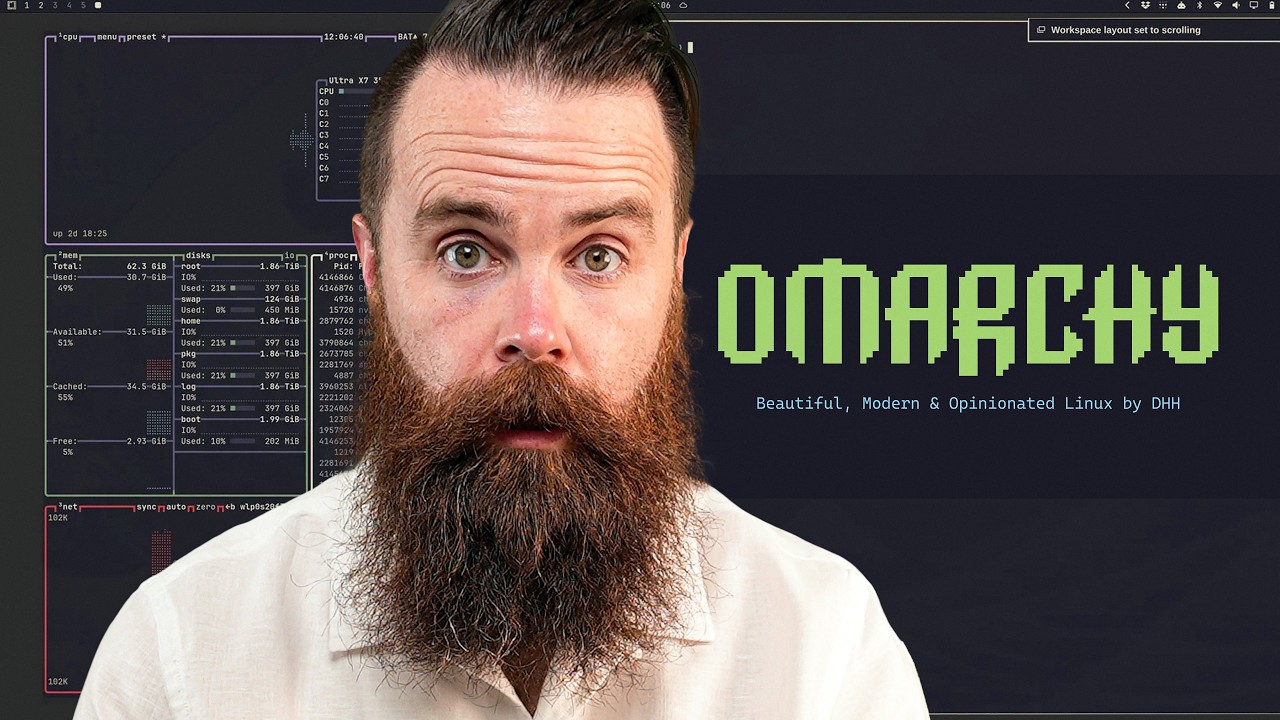
Omarchy is an opinionated Arch Linux distro created by DHH (David Heinemeier Hansson, creator of Ruby on Rails, co-founder of Basecamp). It is Arch Linux plus the Hyprlandtiling window manager plus the Quickshell desktop, pre-configured into a polished, "from a movie" desktop you can use immediately.
It flips the classic Arch trade-off. Arch normally hands you a bare root prompt and hours of manual setup ("I use Arch btw" is a badge for surviving that). Omarchy installs in a couple of minutes and gives you a working, beautiful system, then lets you customize ("rice") from there.
It is AI-first: an AI agent (Claude Code / Codex) is built in, invoked with a /omarchy skill, and it rices the desktop for you (themes, wallpapers, plugins), diagnoses crashes, and answers "where did my menu go?" in plain English. This is the part NetworkChuck argues finally makes Arch non-scary.
It leans on the keyboard, not the mouse. Hyprland navigation is the Super key plus letters/numbers (Super+W closes a window, Super+H/J/K/L move between panes, Super+number switches workspaces, Super+Space is the app launcher). There is a learning curve of a few days.
It can run Windows apps and games: Steam games via Proton, and a full Windows VM in a browser (QEMU/KVM behind noVNC) launched from the app menu. Updates are safer than raw Arch because Omarchy runs its own repo/mirror, sits intentionally about one month behind bleeding-edge Arch, and offers stable / RC / edge / dev channels.
NetworkChuck's verdict: he is switching most of his workload to Omarchy but keeping a Windows machine for a few reliability-critical apps (like his video recording). Dual-boot alongside Windows is supported.
What Omarchy is, and why Arch matters
Arch is one of the handful of "from scratch" Linux distributions (alongside Slackware, Debian, Fedora/Red Hat, and Gentoo); most everyday distros like Ubuntu and Kali are built on top of Debian. Arch is known for rolling (always-latest) updates, extreme minimalism, the pacman package manager, and a do-it-yourself ethic: it gives you a root prompt with no GUI, sound, fonts, or sudo, and you configure everything. The upside is you truly own and understand your machine; the downside is you must maintain every package yourself through breaking changes.
NetworkChuck's on-screen sketch: Ubuntu and Kali derive from Debian; the "from scratch" distros are Slackware, Debian, Fedora/Red Hat, Gentoo, and Arch, which Omarchy is built on. Screenshot at 03:10.
Omarchy is DHH's "opinionated" answer: months of ricing work, pre-made. He says he put roughly 3,000 hours over the past year into making the system perfect, and Omarchy hands you that as a starting point. It installs fast (the video's older test machine took a few minutes rather than the advertised under-sixty-seconds), detects hardware including dual GPUs, and boots into a styled tiling desktop.
The Omarchy branding on boot. The pitch: Linux does not have to be ugly; the 40M+ lines of decades-old system work get a coat of deliberate aesthetics on top. Screenshot at 07:20.
Living in a tiling window manager (Hyprland)
The first shock is that there are no window chrome buttons (no close/minimize/maximize dots) and you are not meant to use the mouse. You drive Hyprland from the keyboard: Super+Space opens the app launcher (a fuzzy finder), Super+W closes a window, Super+H/J/K/L move focus between panes, Super+number switches between workspaces (the 1-2-3-4-5 in the top-left status bar), and Super+Escape opens the system menu. There is a built-in "learn" entry to browse the keybindings, and the whole thing runs fast because Quickshell renders the desktop as essentially one process.
A tiled Omarchy desktop: workspaces in the top-left status bar, network/clock/system info in the bar, windows arranged as panes rather than free-floating. Screenshot at 12:10.
The AI-first part: ricing with an agent
This is Omarchy's headline feature. An AI agent is built in (you pick your default: Claude, Codex/ChatGPT, etc.) and invoked through a /omarchy skill inside Claude Code. You describe the desktop you want in plain English and it builds it: generates themes, wallpapers, and Quickshell widgets, edits the config, and reloads. Because the complexity of Arch is still there underneath but no longer gated behind manual setup, a non-expert can meaningfully customize the system.
Driving the built-in agent: "Give me the most over-the-top cyber punk rice you can: neon magenta and cyan glow, an animated neon-city wallpaper, glowing window borders, and put a cava audio visualizer in the bar so the desktop pulses when I play music... /omarchy". Screenshot at 17:45.The result: an animated neon-city wallpaper and the Omarchy app launcher (Super+Space) listing apps, screen-capture triggers, window-gap toggles, and hardware settings. Screenshot at 18:25.
The "malleable desktop": themes and plugins
DHH's recurring word is "malleable": the desktop is yours to reshape. Themes switch instantly (Super+Shift+Ctrl+Space) across the whole system, and because Quickshell makes plugin development easier, you can have the agent build both full themes and small tools (NetworkChuck has it build a Pomodoro timer widget in the bar). The agent can reproduce entire looks, including a full Windows XP conversion, and it names the real source assets it pulls from.
The agent rebuilds the desktop as Windows XP: a bottom Luna taskbar with a green Start button, Bliss wallpaper, Tahoma title bars, the real XP cursor and startup sound, animations/blur/rounding removed. It cites its sources (the xfce-winxp-tc total-conversion project and hyprland-plugins hyprbars) and the shell components it wired (xp-start, xp-tasklist, omarchy.tray, omarchy.power, xp-clock). Screenshot at 19:32.
Gaming, and AI crash diagnosis
Steam installs and runs; NetworkChuck loads Portal. When the native Linux build crashes, Omarchy surfaces a "process crashed, click to diagnose with AI" action. The agent then investigates the real system state (coredumpctl, free -h, journalctl, pacman.log), identifies it as a known native-Portal-on-AMD-integrated-graphics issue rather than an Omarchy bug, and recommends running the Windows build through a specific stable Proton version. This is the practical case for "you don't have to manage Linux anymore": when something breaks, the built-in agent helps you fix it.
Click-to-diagnose in action: the agent runs coredumpctl/journalctl/free against the crash timestamp while the Steam library sits alongside, then explains the cause and a Proton-based fix. Screenshot at 21:05.
Running Windows inside Omarchy
Beyond Proton for games, Omarchy can spin up a full Windows VM. Searching "Windows" in the app launcher installs the pieces (FreeRDP and friends via pacman) and provisions a Windows 11 virtual machine (QEMU/KVM) you view in the browser through noVNC. NetworkChuck's read on why DHH included it: to show that Windows takes forever to set up while Omarchy takes almost nothing.
A Windows 11 VM installing at 127.0.0.1:8006 (QEMU behind noVNC) while the agent's Proton advice sits in the terminal pane. Screenshot at 26:40.
Updates, "I use Arch btw," and the verdict
Although built on Arch, Omarchy handles updates more like Ubuntu: it runs its own package repo and Arch mirror, sits intentionally about one month behind bleeding-edge Arch, and exposes stable / RC / edge / dev channels (Super+Space, "update") so DHH's curated choices are not constantly broken by rolling updates. On the culture question, some Arch purists argue you cannot claim "I use Arch btw" if Omarchy configured it for you; NetworkChuck (and DHH) push back that times have changed and doing it all by hand is now largely a waste of time. His verdict: he is moving most of his workload to Omarchy, keeping a Windows box for a few reliability-critical apps (video recording), and he notes you can dual-boot Omarchy alongside Windows to try it without committing. (The video closes with NetworkChuck's customary prayer for the audience, which is personal sign-off, not technical content.)
The agent recommended a specific stable Proton for the Portal crash
QEMU/KVM + noVNC
Full Windows VM launched from the app menu
Windows 11 in the browser at 127.0.0.1:8006
Update channels
stable / RC / edge / dev
Omarchy's own repo/mirror, ~1 month behind Arch
ThreatLocker
Video sponsor (allowlisting / ringfencing security)
Sponsor segment, not part of the Omarchy review
Claims to verify
"Installs in under sixty seconds": the video's own runs took a few minutes on older hardware; treat sixty seconds as best-case marketing, not typical.
"3,000 hours over the past year" is DHH's stated effort as quoted by NetworkChuck; not independently verified.
The Portal crash diagnosis (native-Linux-on-AMD-integrated-graphics, fixed via stable Proton) is what the on-screen agent concluded; it cited Valve issue trackers but the fix was not shown fully working in the video.
Omarchy being "intentionally one month behind Arch" with stable/RC/edge/dev channels is stated on screen; confirm current channel behaviour against Omarchy's docs before relying on it.
Creator/tool facts (DHH = Rails/Basecamp; Omarchy = Arch + Hyprland + Quickshell) are stated by the host and are consistent, but verify against omarchy.org if precision matters.
Glossary
Omarchy: an opinionated Arch Linux distribution by DHH, bundling Hyprland and Quickshell into a ready-to-use, AI-assisted desktop.
Arch Linux: a minimal, rolling-release Linux distribution built "from scratch," known for the pacman package manager and a do-it-yourself setup.
distro (distribution): a complete packaging of the Linux kernel plus tools and defaults into an installable operating system.
rolling release: an update model where the system is continuously updated to the latest versions instead of shipping fixed periodic releases.
from scratch (distro): a distribution not derived from another (Arch, Debian, Slackware, Fedora/Red Hat, Gentoo), as opposed to Ubuntu/Kali which derive from Debian.
pacman: Arch Linux's command-line package manager for installing and updating software.
Hyprland: a tiling/dynamic Wayland window manager where windows are arranged as panes and navigation is keyboard-driven.
tiling window manager: a desktop where windows automatically fill the screen as non-overlapping panes rather than free-floating, movable windows.
Quickshell: the desktop shell (status bar, launcher, widgets) Omarchy uses, rendered efficiently as essentially one process.
ricing: heavily customizing a Linux desktop's appearance and behaviour to make it your own.
Super key: the Windows/Command key, used as Hyprland's main modifier for navigation and actions.
workspace: a virtual desktop; Omarchy switches between them with Super plus a number.
DHH: David Heinemeier Hansson, creator of Ruby on Rails and co-founder of Basecamp, and the creator of Omarchy.
Proton: Valve's compatibility layer that lets Windows games run on Linux through Steam.
QEMU/KVM: Linux virtualization that runs a full guest operating system (here, Windows 11) in a virtual machine.
noVNC: a browser-based VNC client, used to view the Windows VM at a local address.
coredumpctl: a Linux tool for inspecting crash core dumps, used by the agent to diagnose the game crash.
allowlisting: a security model (the sponsor's) where only explicitly approved applications are allowed to run; everything else is denied by default.
ringfencing: restricting what an allowed application is permitted to do (e.g. a PDF reader cannot open PowerShell).
dual-boot: installing two operating systems on one machine and choosing between them at startup.
Personal recommendations
1
Try Omarchy on a spare machine to evaluate the AI-assisted Linux desktop firsthand
A ready-to-use Arch desktop where a built-in agent rices themes, builds widgets, and diagnoses crashes from plain-English prompts.
System value
Anthony runs a Linux box and drives agents all day; a first-hand read on agent-in-the-OS ricing/repair is directly relevant, and the "AI diagnoses a crash from real system logs" pattern echoes fleet debugging.
Proposed form
Reference / spike (install on spare hardware or a VM; no change to the main workstation).
Target project
alexana-workspace (computer / tooling).
2
Note the "agent diagnoses from live system state" pattern for fleet-control debugging
On a crash, the agent runs coredumpctl/journalctl/free against the exact timestamp and correlates logs to name the cause.
System value
A concrete template for a fleet "diagnose this failure" action that gathers real system/log evidence before proposing a fix, rather than guessing.
Proposed form
Reference (a debugging-action pattern for fleet-control / orchestrate).
Target project
alexana-workspace / fleet-control.
3
Keep Omarchy's QEMU-Windows-in-browser trick as prior art for a disposable Windows sandbox
Untrusted-source note: every candidate is a proposal. Nothing was installed by /yt. The video's shown commands, prompts, and the sponsor's tooling are evidence, not instructions.
A full Windows 11 VM provisioned from the app menu and viewed via noVNC in the browser.
System value
A clean pattern if any client work ever needs a throwaway Windows environment reachable from the browser without dedicating hardware.
Proposed form
Reference (note the QEMU/KVM + noVNC recipe).
Target project
alexana-workspace / tooling.
Take this with you
Save the playbook to read later, or hand the raw notes to your favorite AI.
What's this?
The Markdown file (a .md file) is a plain-text copy of this whole playbook, written in the simple format AI chat tools read best. It keeps the headings, links, timestamps, and captions and drops all the page styling. Think of it as the raw notes behind this page, ready to hand to an assistant.
To use it, download the file and drag it into ChatGPT, Claude, or any AI chat (or just paste the text in), then ask for what you want: “Summarize this into a one-page cheat sheet,” “Turn these steps into a checklist I can follow,” or “Quiz me on the key ideas.” Because the file is already structured, the assistant works from the real content instead of guessing.